How to track nail-biting progress with daily photos
It can be hard to remember what your nails looked like when you started. A dated photo gives you something to look back at, especially when the changes are too small to notice day to day.
In Nonyxa, taking the photos and comparing them are parts of the same daily check-in. The app handles lighting and fingertip crops, then brings the photos together for you to review.
Start with a photo of each hand
Hold each hand in the on-screen guide with your nails facing the camera. Nonyxa uses the capture flash and offers a flashlight control, helping keep the lighting similar without finding the same lamp or spot each day.
Nonyxa finds your fingertips and crops the photos automatically. Each finger gets its own close-up. Your first check-in saves a baseline so you have a starting point for later comparisons.
Compare and mark each fingertip
On subsequent check-ins, Nonyxa shows today’s fingertip above the same finger from your most recent completed check-in. You look at them together, then swipe right for Clean or left for Damaged. You can also tap the labeled buttons.
Work through all ten fingertips this way. Comparing and recording your judgment happen together, rather than as two separate passes through your photos.
If a photo is blurred or misses the nail, Retake takes you back to the camera for that fingertip. Once you have the replacement, return to the comparison.
Look further back in Progress
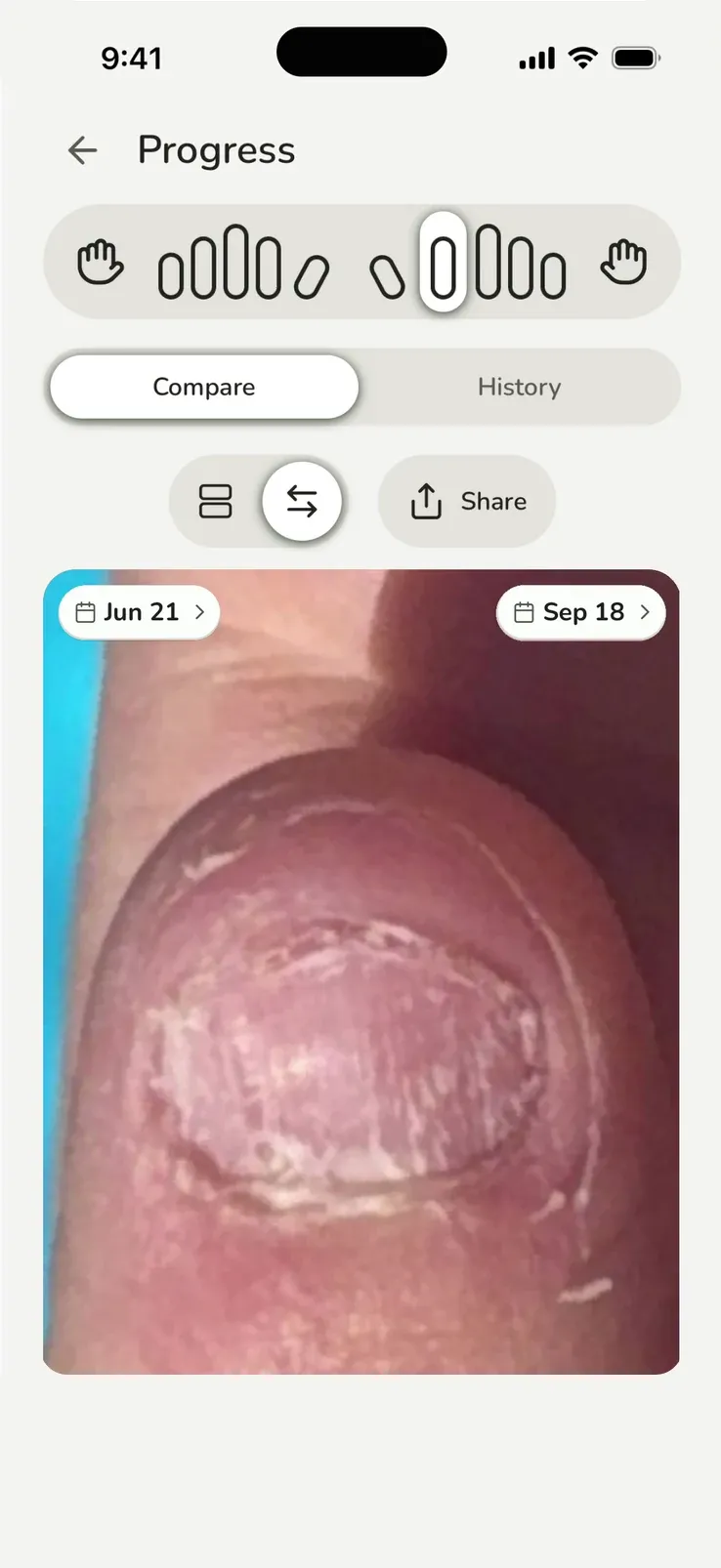
The daily check-in compares against your last completed check-in. For a longer view, open Progress, select a fingertip, and choose the dates you want to compare.
Use Slider to move between the two photos, or Stacked to see them one above the other. The June 21 and September 18 comparison above shows the Slider view.
You don’t need to see a change every day. Comparing dates farther apart can make smaller changes easier to see. If you trimmed your nails or changed your polish between those dates, take that into account too.
A damaged day is still a check-in
Marking a fingertip Damaged records what happened. That completed check-in and its photos remain in your history.
Nonyxa keeps the clean streak and check-in streak separate. Recording damage affects the clean streak; completing the day’s check-in still counts toward showing up. You can return to earlier photos even after a slip.
See Nonyxa’s daily photo check-in
If you’re deciding whether a photo routine fits you, read what a nail-biting tracker can tell you.